We find the freight.You drive.
Ten years on the boards. We find your loads, argue the rate up and do the paperwork. The TMS we run your loads on comes with it.
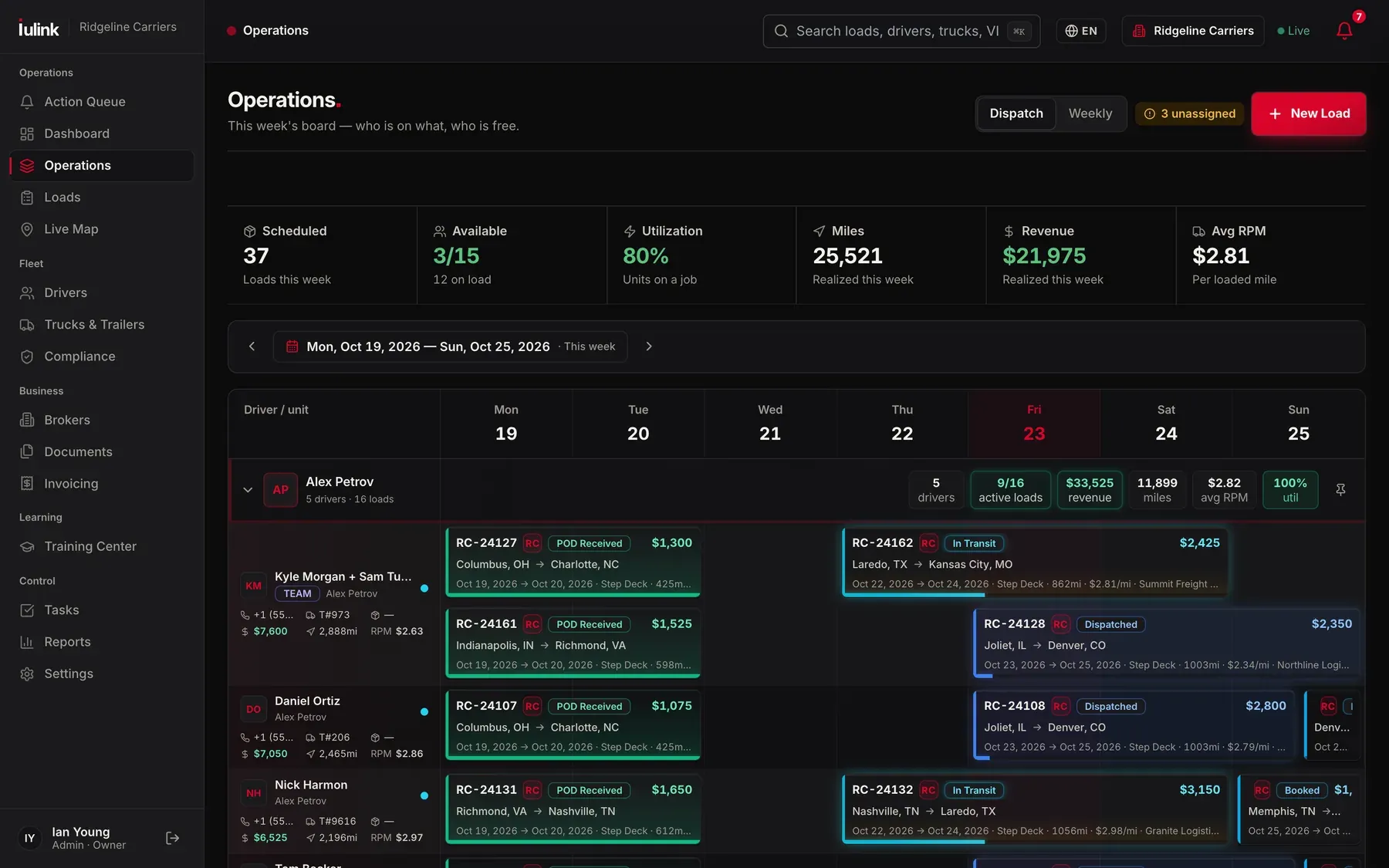
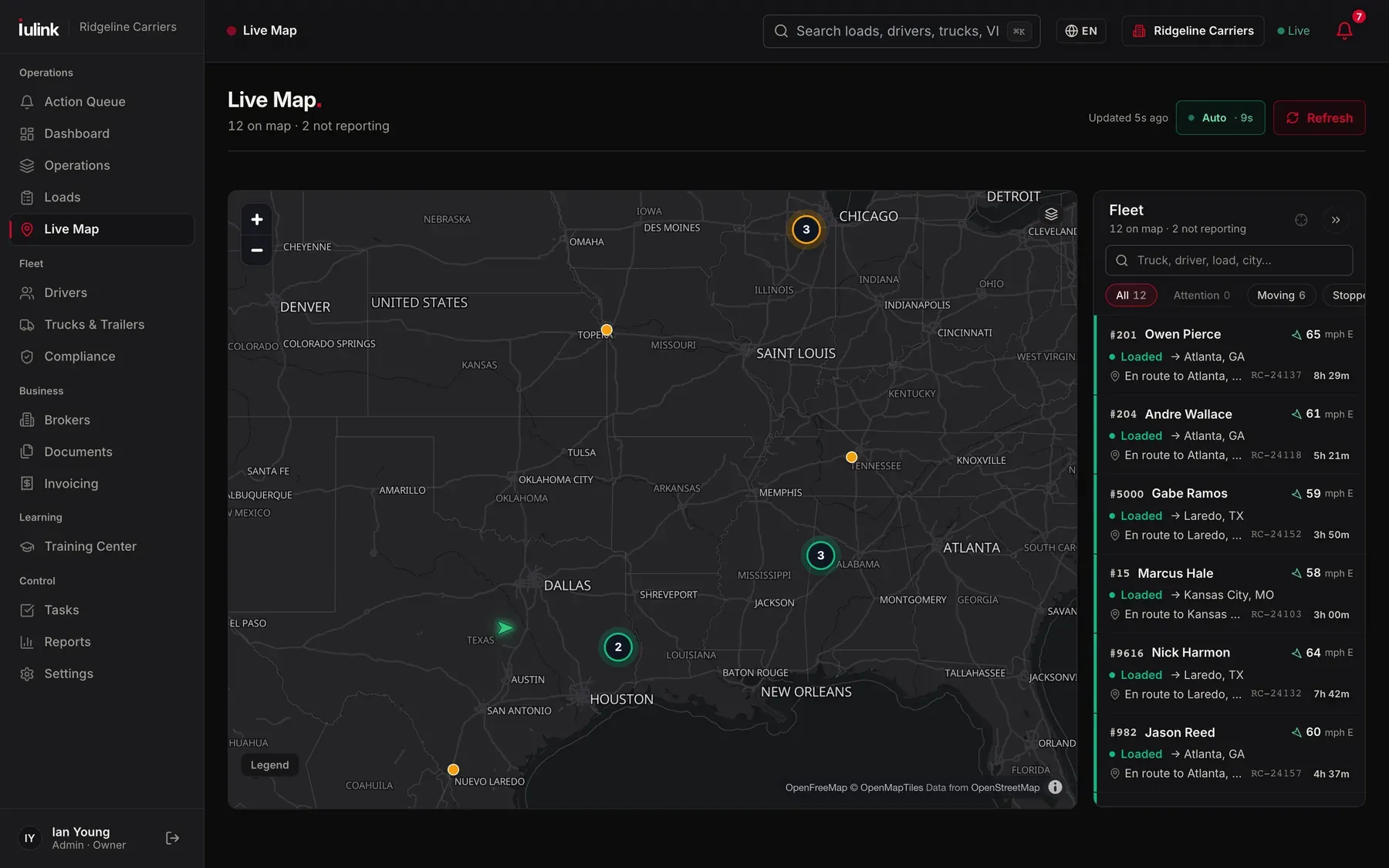
Your week, handled.Our desk’s board: every driver, every load, what it pays per mile.
How the desk works.
One call to set you up. After that the desk runs your freight. You hear from us when a load is booked; problems we handle before they reach you.
- 01
Tell us your equipment and lanes.
Equipment, home base, where you want to run and where you don’t. We build your carrier packet once.
- 02
We find the load and argue the rate.
The desk works DAT One, Truckstop and the brokers we already know. We counter; we don’t take the first number. Ten years on the boards means we know what a lane pays.
- 03
Paperwork is ours.
Broker setup, rate con check, check calls through pickup and delivery, POD collected, invoice out the day the POD lands, factoring-ready.
- 04
You drive. We keep it moving.
Reroutes, detention, a breakdown on the road — the desk handles the broker and the reschedule while you deal with the truck. The next load is lined up before this one delivers.
For owner-operators, small fleets, and carriers whose own dispatch team needs extra hands.
A dispatch desk that built its own system.
The TMS your loads run on is ours. Our desk built it, and runs three carrier authorities on it every day.
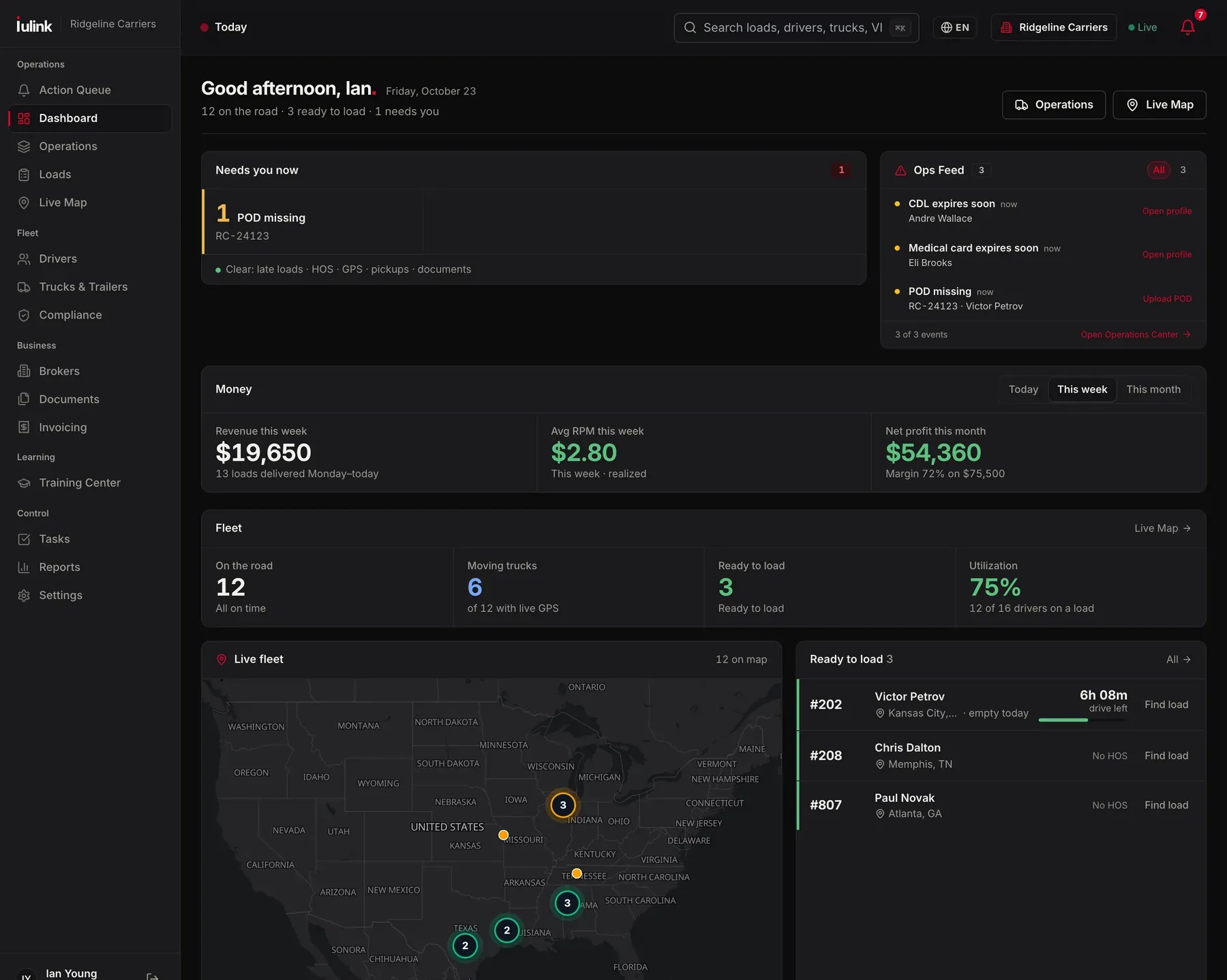
The software our desk runs on.
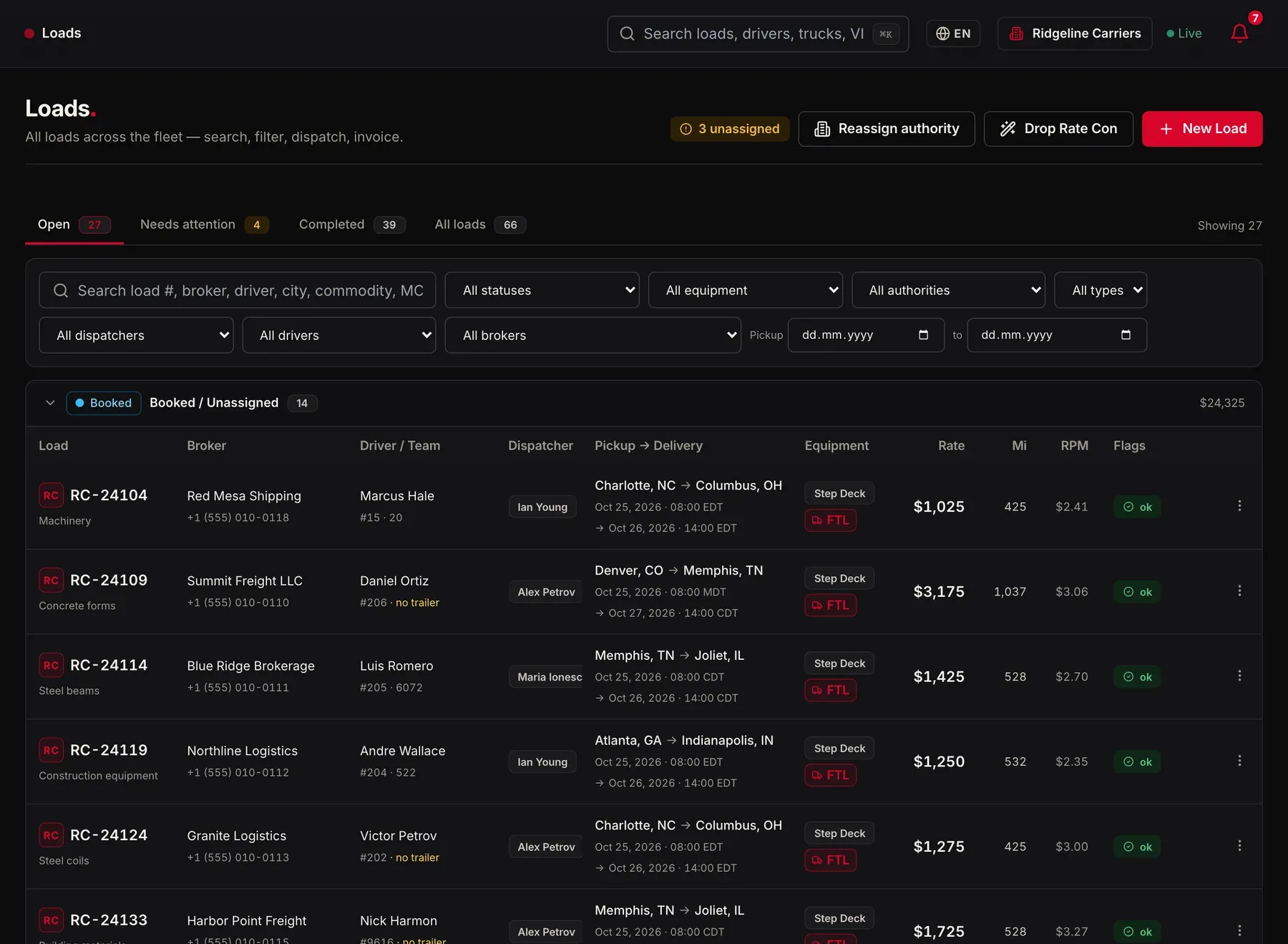
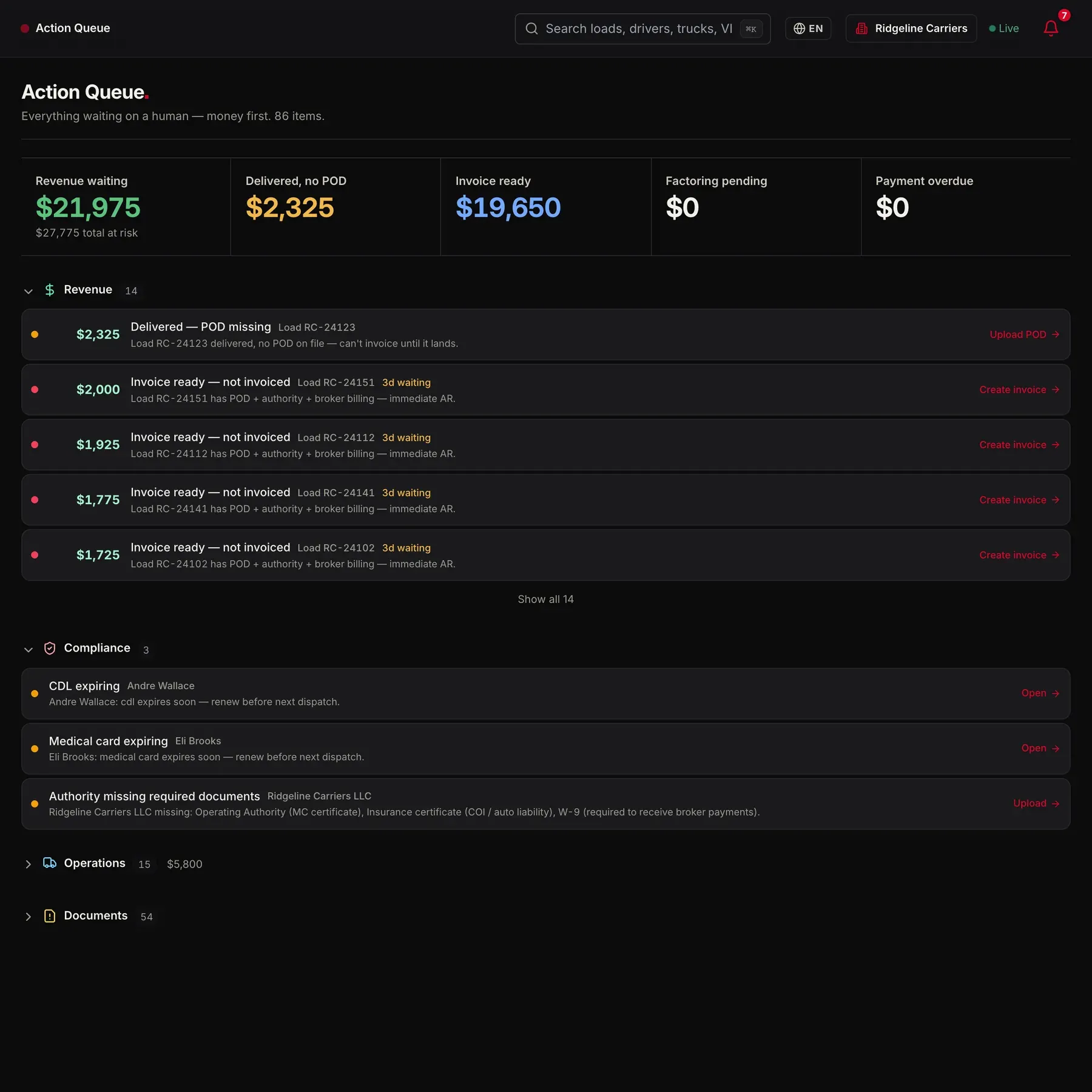
Not generic trucking software. It’s the system our desk runs your loads on: dispatch, safety, accounting and the driver all see the same load. We run three carrier authorities on it ourselves. Included while we dispatch you, or licensed on its own.
The load board, upgraded.
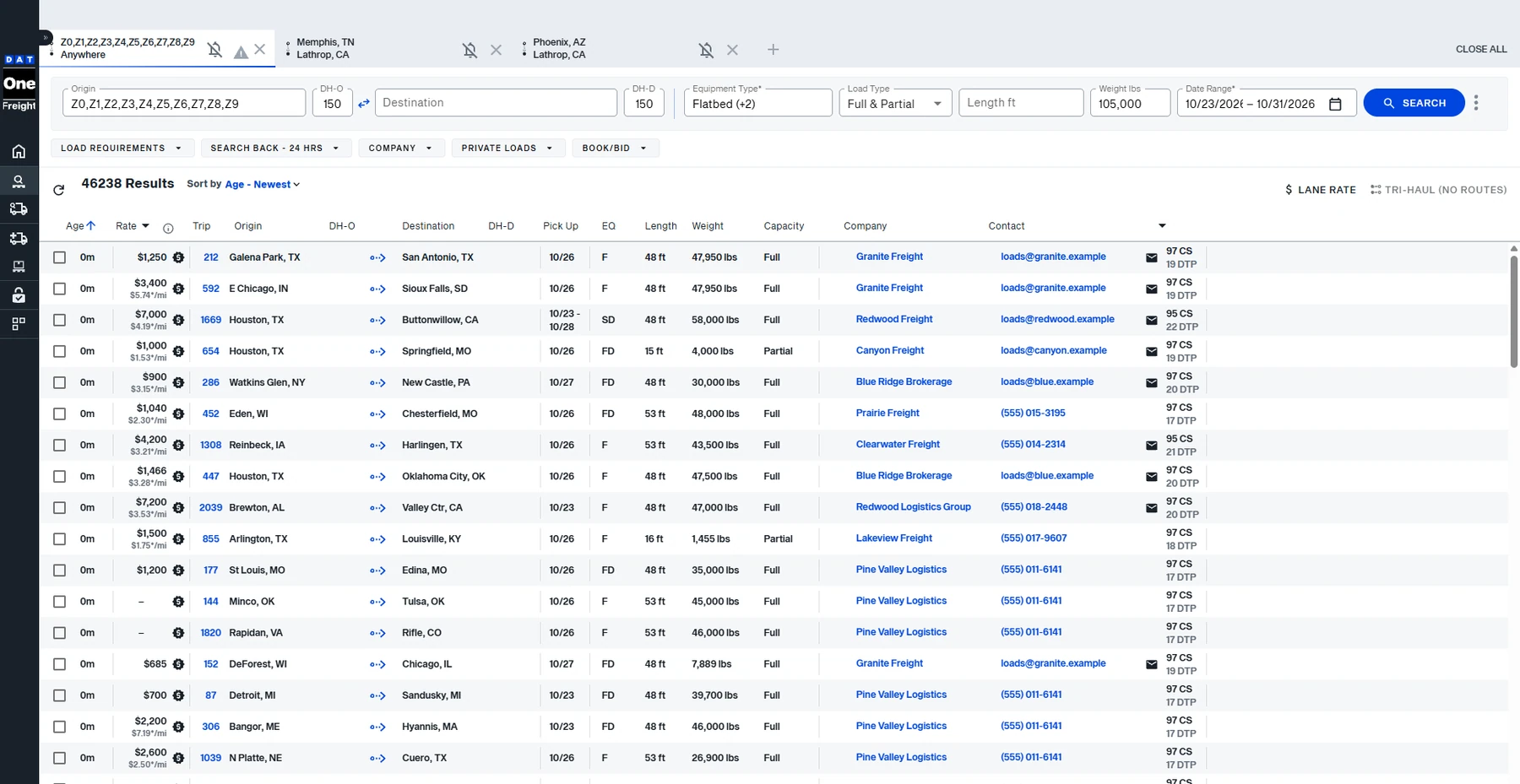
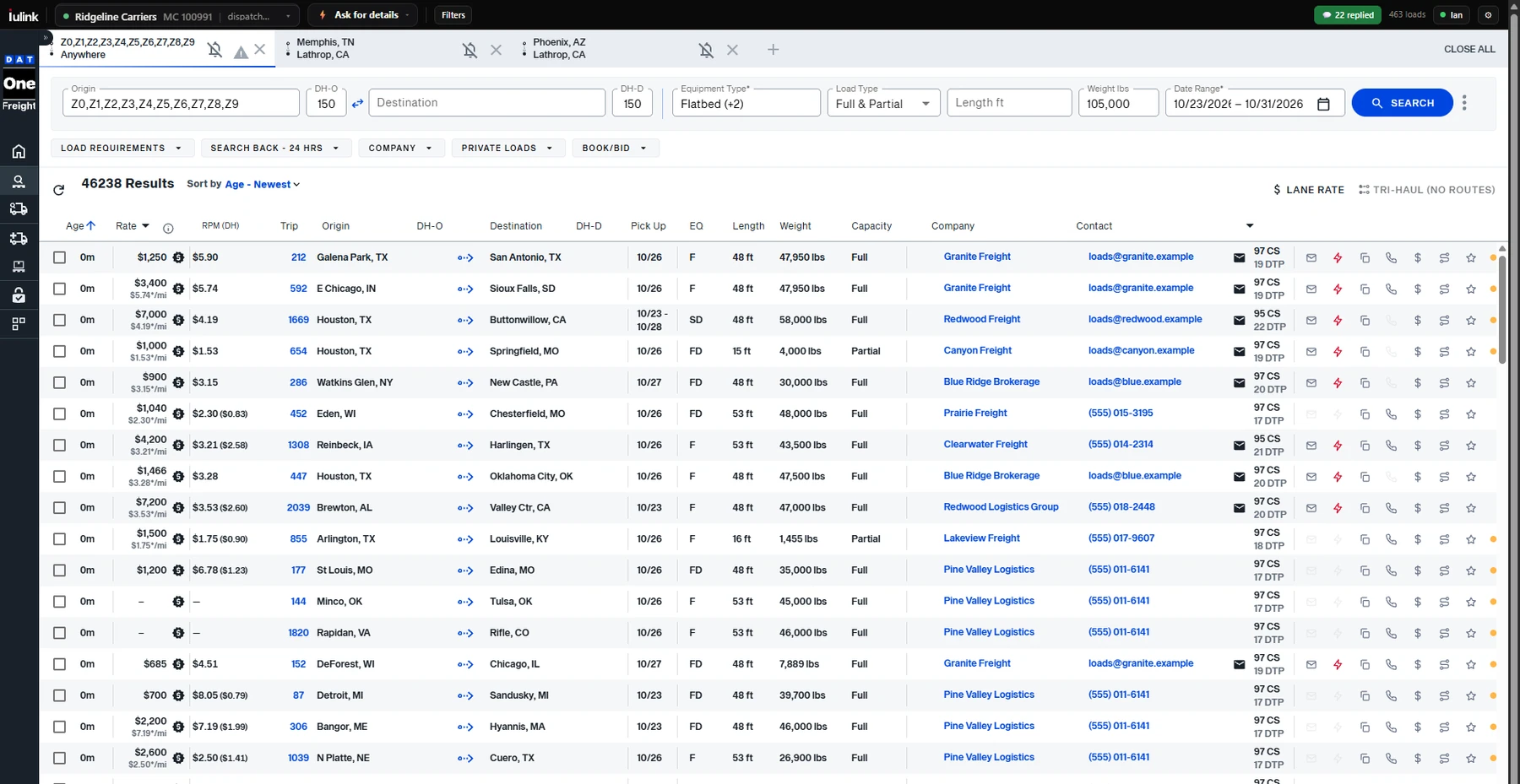
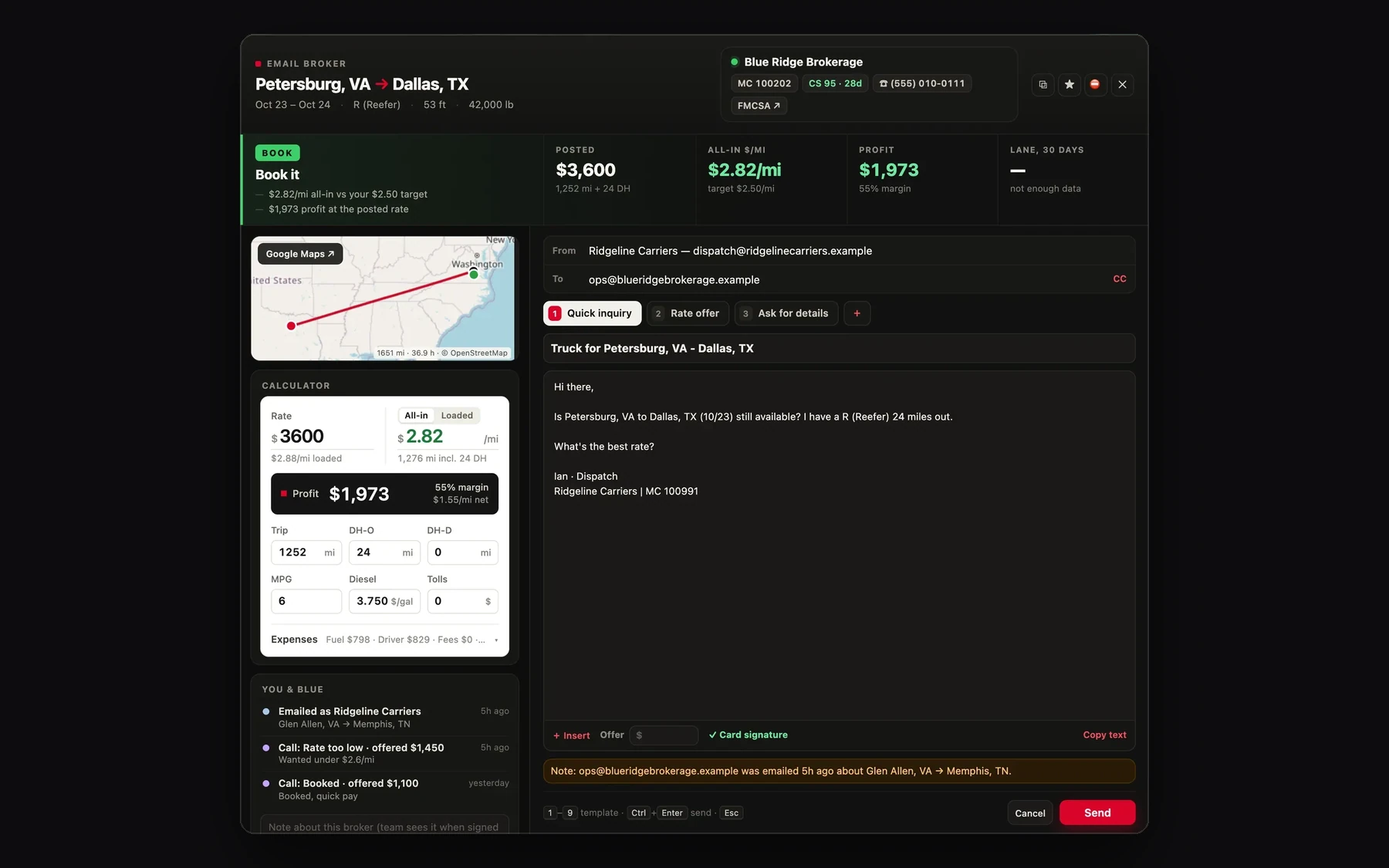
IULink lives inside DAT One and Truckstop, the boards you already work. Every row gets the real $/mi with your deadhead, a profit number, and a one-click email to the broker from the right carrier’s own Gmail.
Drag the handle. Left is a search as the board shows it; right is the same search with IULink on.The same search without IULink, then with it.
Dispatch, with the TMS included.
Most carriers start here. The desk finds and books your freight, and you see every load in the TMS it runs on.
Questions carriers ask.
How do you charge for dispatch?
We talk pricing on the first call, once we know your equipment, your lanes and how many trucks you run.
What equipment do you dispatch?
Whatever you run. Tell us on the first call; the desk works the freight that fits it.
Which states do you cover?
All 48 contiguous states. On the first call we'll tell you which lanes we work best for your equipment.
Do I have to use IULink TMS?
No. It's included if you want it; our desk runs your loads on it either way. If you bring dispatch in-house later, your loads, drivers and documents stay where they are.
Can I license the TMS without dispatch?
Yes. Book a demo; if it fits, we set it up with you.
How fast can we start?
Send your equipment and lanes through the form. A dispatcher calls within one business day.
Let’s talk about your lanes.
Tell us your equipment and lanes. After one short call the desk starts finding freight. The TMS comes with it.
A dispatcher calls within one business day